INSIGHTS
Practical thinking for your next step with AI.
Clear guides for business owners: where to start, what to automate, and how to keep people in control.

Implementation walkthrough
Automated reporting: from job records to a checked weekly report
Follow eight sample job records through validation, calculations, an AI-written summary, and manager approval. See exactly where the numbers and statements come from.
Read article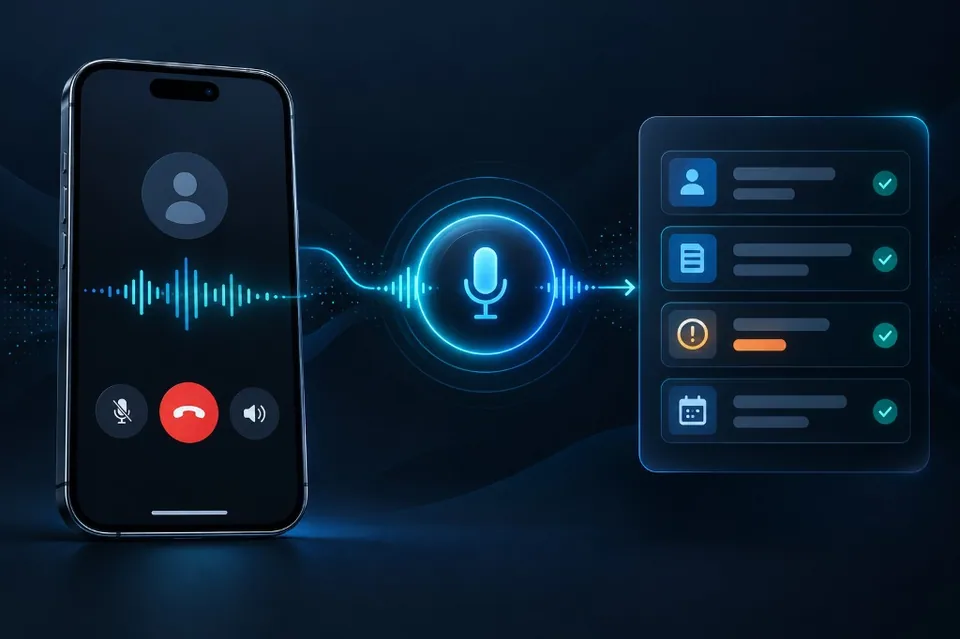
Implementation walkthrough
AI receptionist: a service call from first answer to confirmed booking
A sample call flow showing what an AI receptionist asks, how a booking is confirmed, and what happens when the calendar or staff transfer is unavailable.
Read article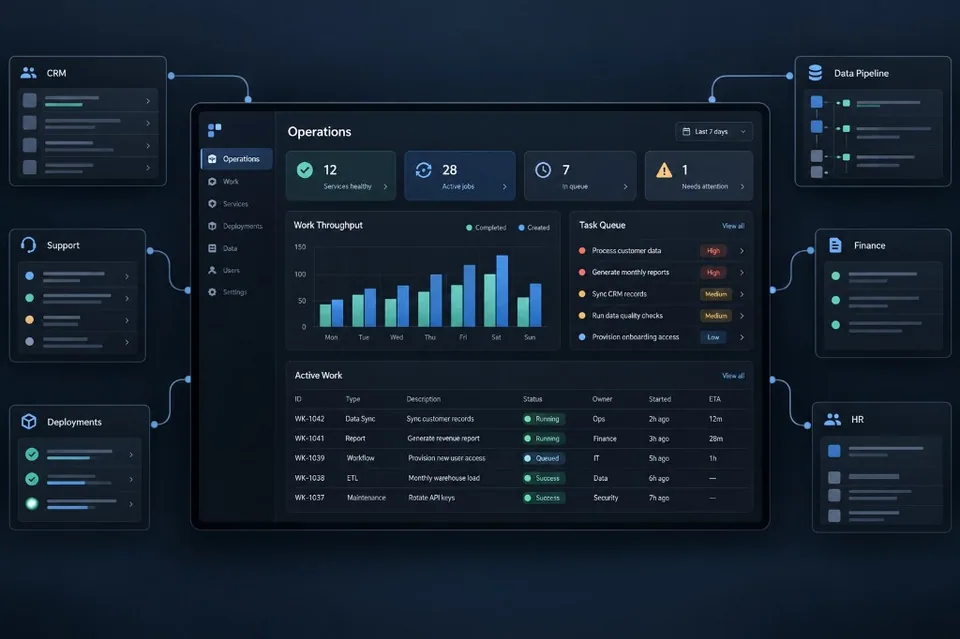
Implementation walkthrough
MCP integration: connecting an AI assistant to a business system
Trace a customer-service request through an MCP connection, server-side permission checks, explicit approval, and a duplicate-safe business-system update.
Read article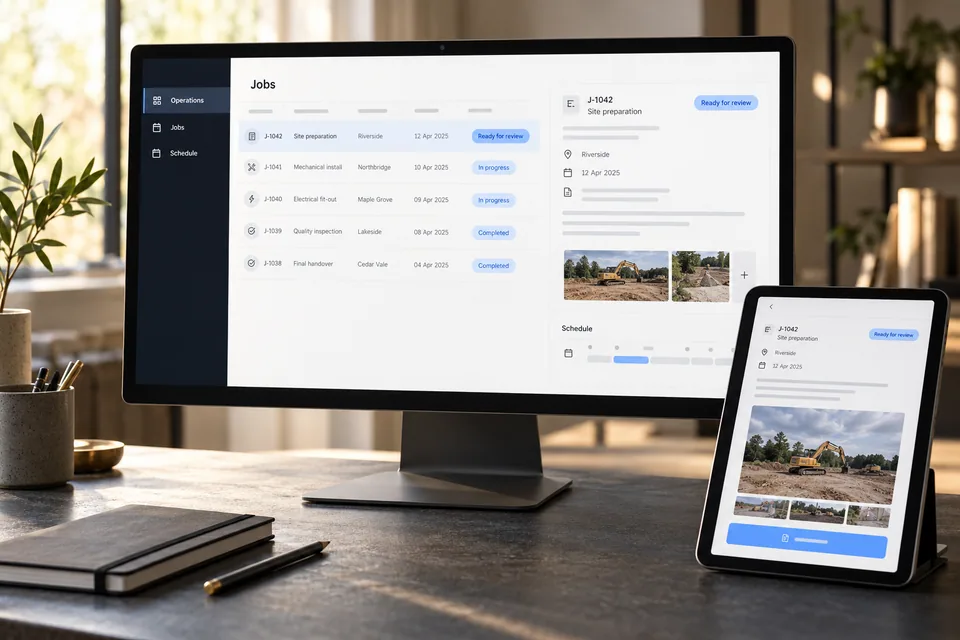
Business integrations
Making your business services available through MCP
Let customers and partners check availability, request a quote, or follow an order through a connected AI assistant—with access and approvals you control.
Read article
Practical AI
Connecting AI to your business systems with MCP
Give your team’s AI access to useful business information without granting it unrestricted control of customer records, documents, or accounts.
Read article
Getting started
Where AI can help a small business first
Find a useful first project in the repetitive work that already fills your day.
Read article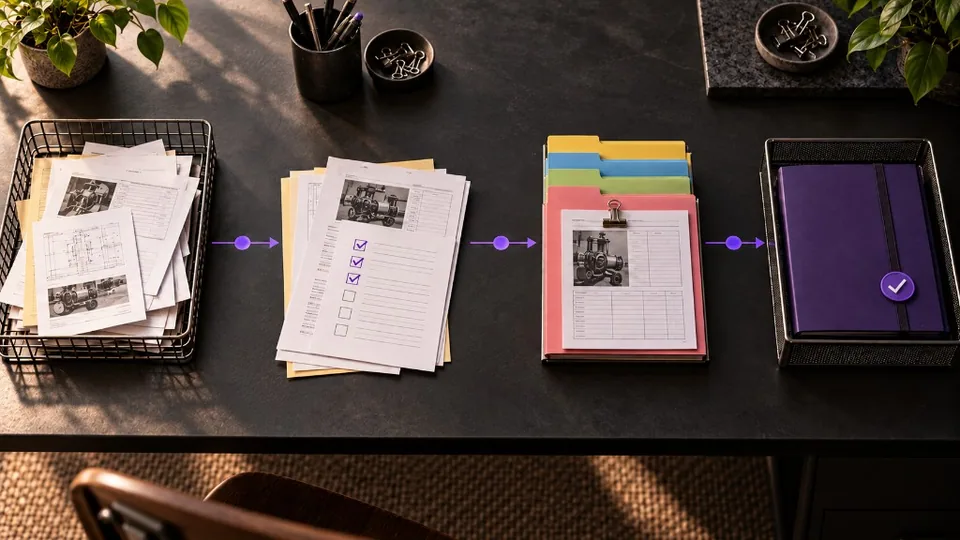
Workflow design
What to automate before investing in AI
Separate predictable handoffs from work that needs interpretation before choosing a tool.
Read article
Customer experience
What an AI receptionist can—and can’t—handle
Set a clear role for phone automation, with reliable answers and a route to a person.
Read article