
All applications
Expense exception reviews
Corporate operations

Expense exception reviews

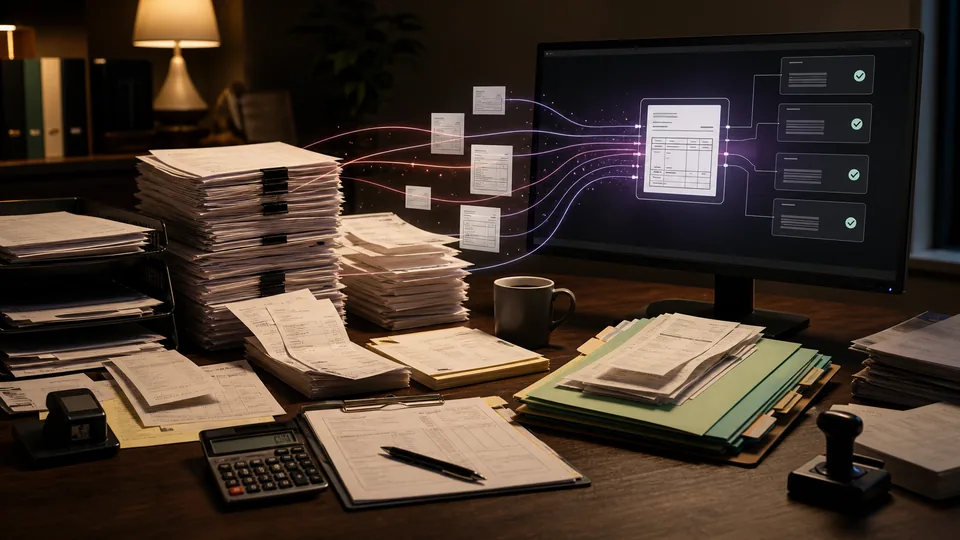
We prepare expense submissions for finance review by organizing receipts, checking your rules, and explaining exceptions.

How we put it to work

  1. Read the supporting receipts.

    AI extracts merchant, date, currency, and amount. Unreadable fields and missing receipts stay visible for review.

    Your teamConfirms the employee, expense, and evidence.

    Read the supporting receipts. AI extracts merchant, date, currency, and amount. Unreadable fields and missing receipts stay visible for review.
    Expense evidence
    AI
    Receipt fields
    Missing receipt flagged
  2. Compare against your rules.

    Policy checks compare claims with extracted receipts and supplied limits. AI explains differences and links the relevant policy passage.

    Your teamDetermines whether an exception is justified.

    The receipt and claim tell different stories. Expense submission: Meal expense; Claim currency: USD; Claim amount: 86.00. AI explains the amount difference for review: Meal receipt; Receipt currency: USD; Receipt total: 68.00. Finance resolves the discrepancy before reimbursement.
    The receipt and claim tell different stories
    Expense submission · Illustrative example
    Incoming record
    Meal expense
    Claim currency: USD
    Claim amount: 86.00
    Compared record
    Meal receipt
    Receipt currency: USD
    Receipt total: 68.00
    AI explains the amount difference for review
    Finance resolves the discrepancy before reimbursement
  3. Route the review.

    We apply your approval responsibilities and prepare a reviewer summary. A flagged expense is a question to investigate, not a finding of misconduct.

    Your teamAuthorizes reimbursement through existing financial controls.

    Route the review. We apply your approval responsibilities and prepare a reviewer summary. A flagged expense is a question to investigate, not a finding of misconduct.
    Expense review
    AI
    Manager
    Finance
    More evidence

What your first engagement includes

  1. 01Review your setupConfirm existing features, data access, and system compatibility.
  2. 02Configure one workflowConnect the tools, define approvals, and handle exceptions.
  3. 03Test and hand overPilot on selected work, train your staff, and provide operating instructions.
PILOT REVIEW

How we measure the pilot

Compare the same work before and during the pilot.

  • Time to complete

    Time to review an expense submission, including the human check.

    Review time
  • Review quality

    How often a draft needs a material correction before approval.

    Correction rate
  • Workflow reliability

    Claims returned for missing evidence after initial review.

    Exceptions to resolve
  1. Current process
  2. Pilot results
  3. Review together

Agree what to improve or expand based on the results.

Start with one workflow in your business.

Related technology and workflow references

Background reading on the capabilities behind this application. Your setup determines which connections are practical.

Swipe to explore 1 / 3