All applications
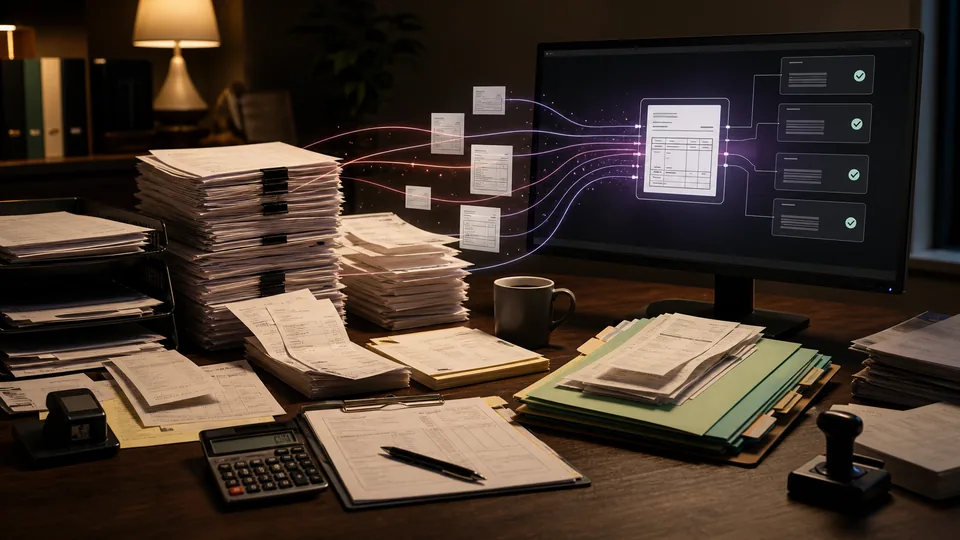
Back office paperwork and invoices being organized into an AI-assisted digital workflow
Home services & trades · Construction · Distribution & logistics · Professional services · Corporate operations

Invoice and paperwork cleanup

We prepare invoices for accounts review by extracting the details, checking them against your records, and separating straightforward matches from exceptions.

How we put it to work

  1. Read the incoming invoice.

    We connect an approved inbox or upload location. AI extracts supplier, invoice number, dates, line items, and totals into a consistent draft record.

    Your teamResolves unreadable fields and confirms supplier identity.

    Read the incoming invoice. We connect an approved inbox or upload location. AI extracts supplier, invoice number, dates, line items, and totals into a consistent draft record.
    Supplier invoice
    AI
    Invoice fields
    Missing fields flagged
  2. Check the underlying records.

    Matching rules compare the extracted data with purchase orders and receipts. AI explains differences in plain language; possible duplicates are flagged for investigation.

    Your teamResolves mismatches and suspected duplicates.

    The mismatch becomes visible. Invoice and purchase order: Supplier: North Co.; Item: filter packs; Quantity: 12. AI explains: 2 packs above the order quantity: Supplier: North Co.; Item: filter packs; Quantity: 10. Accounts reviewer resolves the difference.
    The mismatch becomes visible
    Invoice and purchase order · Illustrative example
    Incoming record
    Supplier: North Co.
    Item: filter packs
    Quantity: 12
    Compared record
    Supplier: North Co.
    Item: filter packs
    Quantity: 10
    AI explains: 2 packs above the order quantity
    Accounts reviewer resolves the difference
  3. Route the exception.

    We send the draft and supporting documents to the appropriate reviewer under your approval rules. Unresolved items remain visible.

    Your teamConfirms the coding and approval owner.

    Route the exception. We send the draft and supporting documents to the appropriate reviewer under your approval rules. Unresolved items remain visible.
    Invoice review
    AI
    Matched
    Exception
    Missing receipt
  4. Record the approved result.

    Where your accounting system supports it, we pass the approved draft into the existing workflow and retain a link to the source invoice.

    Your teamAuthorizes payments using existing financial controls.

    Record the approved result. Where your accounting system supports it, we pass the approved draft into the existing workflow and retain a link to the source invoice.
    Approved record
    Supplier checked
    Coding confirmed
    Source retained
    Draft · Awaiting review

What your first engagement includes

  1. 01Review your setupConfirm existing features, data access, and system compatibility.
  2. 02Configure one workflowConnect the tools, define approvals, and handle exceptions.
  3. 03Test and hand overPilot on selected work, train your staff, and provide operating instructions.

PILOT REVIEW

How we measure the pilot

Compare the same work before and during the pilot.

  • Time to complete

    Review time per invoice, including the human check.

    Review time
  • Review quality

    How often a draft needs a material correction before approval.

    Correction rate
  • Workflow reliability

    Invoices requiring rework after approval.

    Exceptions to resolve
  1. Current process
  2. Pilot results
  3. Review together

Agree what to improve or expand based on the results.

Start with one workflow in your business.

Related technology and workflow references

Background reading on the capabilities behind this application. Your setup determines which connections are practical.

Swipe to explore 1 / 3