
All applications
Construction project team reviewing plans and AI-assisted document control on a tablet
Construction

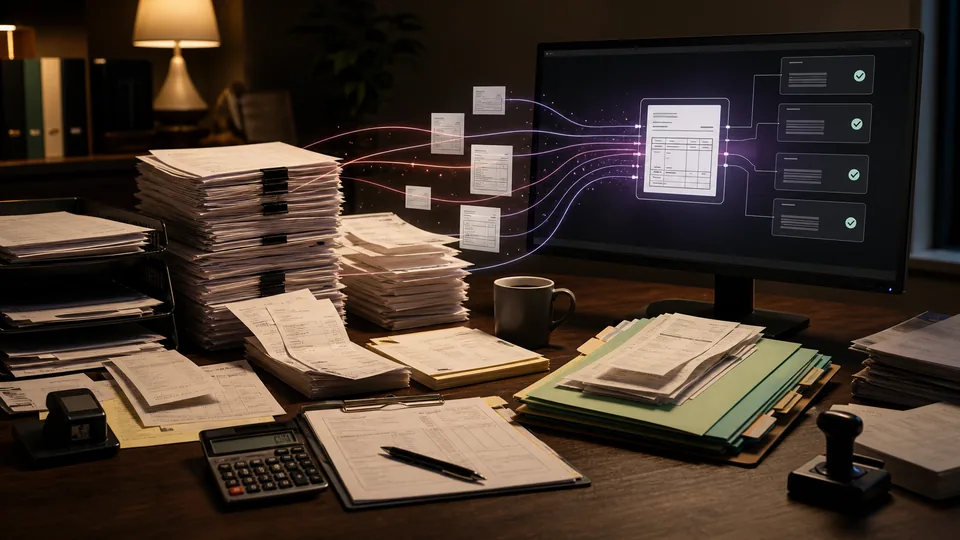
Construction document control assistant

We connect your approved project documents so your team can ask a question, check the evidence, and prepare a response without starting from a blank page.

How we put it to work

  1. Find the right revision.

    We organize drawings, specifications, and correspondence by job and revision. AI identifies relevant passages; superseded or conflicting files stay visible as exceptions.

    Your teamConfirms which revisions are approved for use.

    Find the right revision. We organize drawings, specifications, and correspondence by job and revision. AI identifies relevant passages; superseded or conflicting files stay visible as exceptions.
    Project files
    AI
    Revision index
    Check current issue
  2. Ask a project question.

    AI searches the selected project and returns a short answer with document references. Where records disagree or do not answer the question, it flags the gap.

    Your teamChecks the cited text against current project documents.

    An answer with a traceable source. Project specification: Section 08 11; Door rating: 60 min; Revision C. AI retrieves the clause; it does not approve the design.: Fire rating: 60 min; Section 08 11; Revision C linked. Project manager verifies the current issue.
    An answer with a traceable source
    Project specification · Illustrative example
    Source record
    Section 08 11
    Door rating: 60 min
    Revision C
    AI retrieves the evidence
    Fire rating: 60 min
    Section 08 11
    Revision C linked
    Source attached
    AI retrieves the clause; it does not approve the design.
    Project manager verifies the current issue
  3. Prepare the response.

    We use checked findings to draft an RFI or project response in your format, keeping the question, evidence, and proposed next action together.

    Your teamApproves technical statements and outgoing correspondence.

    Prepare the response. We use checked findings to draft an RFI or project response in your format, keeping the question, evidence, and proposed next action together.
    RFI draft
    Question recorded
    Source referenced
    Response for review
    Draft · Awaiting review

What your first engagement includes

  1. 01Review your setupConfirm existing features, data access, and system compatibility.
  2. 02Configure one workflowConnect the tools, define approvals, and handle exceptions.
  3. 03Test and hand overPilot on selected work, train your staff, and provide operating instructions.
PILOT REVIEW

How we measure the pilot

Compare the same work before and during the pilot.

  • Time to complete

    Time to prepare a sourced response, including the human check.

    Review time
  • Review quality

    How often a draft needs a material correction before approval.

    Correction rate
  • Workflow reliability

    Responses missing a valid source reference.

    Exceptions to resolve
  1. Current process
  2. Pilot results
  3. Review together

Agree what to improve or expand based on the results.

Start with one workflow in your business.

Related technology and workflow references

Background reading on the capabilities behind this application. Your setup determines which connections are practical.

Swipe to explore 1 / 3