All applications
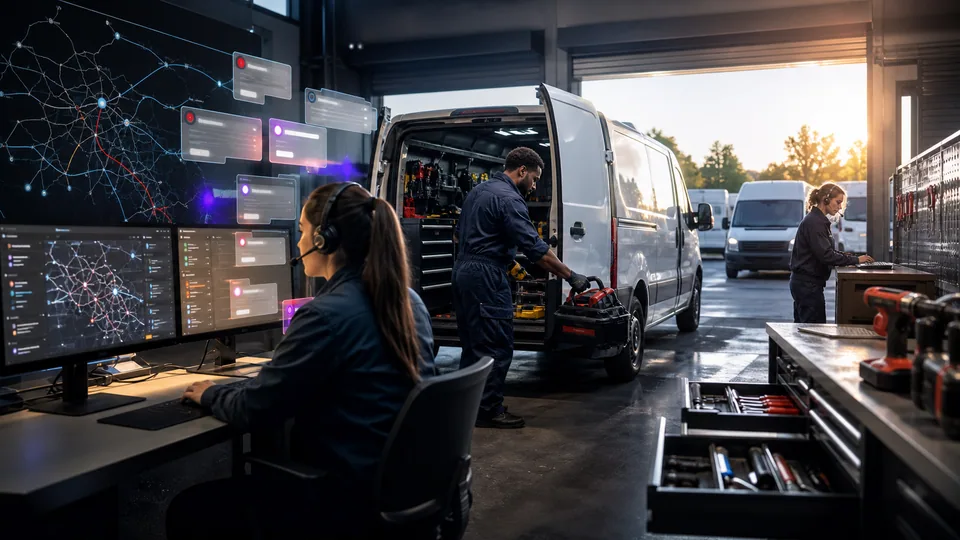
Field-service dispatch office beside technicians preparing service vans.

AI for field service

We configure field-service AI around your existing tools, connect the missing handoffs, and test it with your team. We first check what your current software already supports.

From service request to completed job

  1. AI prepares the job request.

    We connect your intake channels so AI can extract the details from messages and call transcripts, then flag what your office needs to confirm.

    Your teamConfirms the customer, property, and urgency.

    A voicemail and email pass through AI into a structured job card with missing details flagged.
    Voicemail
    Email
    AI
    Job request
    Check missing details
  2. AI assembles the dispatch context.

    We combine the confirmed request with job history. Scheduling rules check skills and availability; AI summarizes what matters for the assignment.

    Your teamSelects the technician and confirms the appointment.

    A dispatch board highlights a proposed heating-service slot for the dispatcher to review.
    Dispatch board
    09:0010:0011:00ABC
    Heating
    Proposed
    AI brief ready · Dispatcher confirms
  3. AI finds the relevant history.

    We connect approved service records and equipment documents. AI retrieves the relevant material and identifies its source.

    Your teamChecks the records and makes every diagnosis and safety decision.

    AI retrieves a service record and presents it with a source reference on the technician’s phone.
    Job history
    24 Oak Lane
    Previous visit
    AI
    Source attached
  4. AI drafts the closeout record.

    We turn the technician’s notes into structured paperwork. Approved information can then pass into your connected job system.

    Your teamReviews the summary, fills missing details, and approves charges and customer messages.

    From site note to draft work record. Job 1042 · Technician note: “Changed batteries.”; “Tested heating.”; “Working now.”. AI organizes the note and leaves charges for review: Batteries replaced; Heating tested; Charges: to confirm. Technician checks the record before it is saved.
    From site note to draft work record
    Job 1042 · Technician note · Illustrative example
    “Changed batteries.”
    “Tested heating.”
    “Working now.”
    AI structures the note
    Batteries replaced
    Heating tested
    Charges: to confirm
    AI organizes the note and leaves charges for review
    Technician checks the record before it is saved

What your first engagement includes

  1. 01Review your setupConfirm existing features, data access, and system compatibility.
  2. 02Configure one workflowConnect the tools, define approvals, and handle exceptions.
  3. 03Test and hand overPilot on selected work, train your staff, and provide operating instructions.
PILOT REVIEW

How we measure the pilot

Compare the same work before and during the pilot.

  • Time per job

    Minutes to finish the paperwork, including review.

    Closeout time
  • Draft accuracy

    How often your team needs to correct a draft.

    Correction rate
  • Record completeness

    Jobs with required details still missing at closeout.

    Incomplete records
  1. Current process
  2. Pilot results
  3. Review together

Agree what to improve or expand based on the results.

Start with one workflow in your business.

Related technology and workflow references

Background reading on the capabilities behind this application. Your setup determines which connections are practical.

Swipe to explore 1 / 3