All applications
Submittal register drafts
Construction

Submittal register drafts

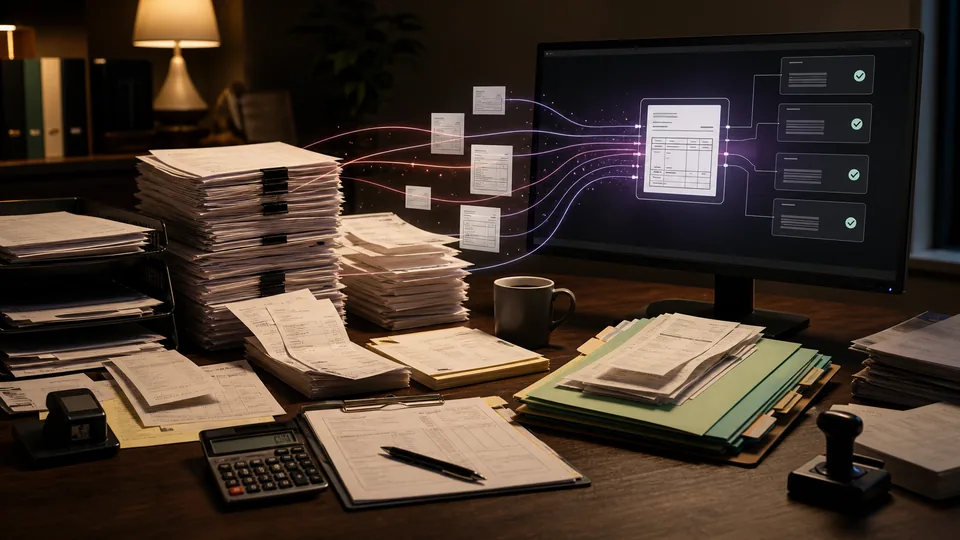
We turn project specifications into a draft submittal register your project engineer can verify against the original clauses.

How we put it to work

  1. Read the specified requirements.

    AI identifies passages requiring product data, samples, drawings, or certificates. We retain the specification section and passage for each candidate.

    Your teamConfirms the specification issue and project scope.

    A clause becomes a register entry. Specification section: Section 09 30; Submit tile sample; Before installation. AI extracts the requirement with its source.: Tile sample; Section 09 30; Owner: to confirm. Engineer verifies the register and assigns owners.
    A clause becomes a register entry
    Specification section · Illustrative example
    Source record
    Section 09 30
    Submit tile sample
    Before installation
    AI retrieves the evidence
    Tile sample
    Section 09 30
    Owner: to confirm
    Source attached
    AI extracts the requirement with its source.
    Engineer verifies the register and assigns owners
  2. Organize the register.

    AI groups requirements by package and document type. Similar requirements remain linked to their clauses so duplicates can be checked.

    Your teamVerifies completeness and removes irrelevant or duplicate entries.

    Organize the register. AI groups requirements by package and document type. Similar requirements remain linked to their clauses so duplicates can be checked.
    Submission register
    AI
    Product data
    Shop drawings
    Samples
  3. Prepare the review schedule.

    We add confirmed owners and dates to the register and connect the approved version to your tracking process.

    Your teamSets responsibilities, dates, and technical review requirements.

    Prepare the review schedule. We add confirmed owners and dates to the register and connect the approved version to your tracking process.
    Submission schedule
    PrepareReviewAction dueABC
    Package
    Review slot
    AI register · Engineer reviews

What your first engagement includes

  1. 01Review your setupConfirm existing features, data access, and system compatibility.
  2. 02Configure one workflowConnect the tools, define approvals, and handle exceptions.
  3. 03Test and hand overPilot on selected work, train your staff, and provide operating instructions.

PILOT REVIEW

How we measure the pilot

Compare the same work before and during the pilot.

  • Time to complete

    Time to draft and verify a submittal register, including the human check.

    Review time
  • Review quality

    How often a draft needs a material correction before approval.

    Correction rate
  • Workflow reliability

    Required submissions missed in the draft.

    Exceptions to resolve
  1. Current process
  2. Pilot results
  3. Review together

Agree what to improve or expand based on the results.

Start with one workflow in your business.

Related technology and workflow references

Background reading on the capabilities behind this application. Your setup determines which connections are practical.

Swipe to explore 1 / 3